Best Beginner Smart Toys for 6-Year-Olds
Beginner-friendly smart toys for 6-year-olds with clear learning curves and replay value.

Snapshot
| Toy | Age | Price | Best for | Link |
|---|---|---|---|---|
| #1 Learning Resources Code & Go Robot Mouse Activity Set | 4+ | CAD $100–$140 | Screen-free coding with maze pieces and challenge cards | Check Price |
| #2 Learning Resources Coding Critters Ranger & Zip | 4+ | Check current price | Story-based screen-free coding for younger kids | Check Price |
| #3 Thames & Kosmos Kids First Robot Factory | 5+ | CAD $40–$60 | Story-led mechanical robot building for younger STEM kids | Check Price |
| #4 Learning Resources Let's Go Code! Activity Set | 5+ | Check current price | Full-body sequencing and direction practice | Check Price |
Affiliate links. Prices can change.
Six-year-olds need a smart toy that rewards one clear idea before layering complexity.
The right toy can lower friction, support regulation, and make day-to-day life noticeably easier.
Learning Resources Code & Go Robot Mouse Activity Set
Reliable engagement, low setup friction, and strong replay value for real family routines.
This guide focuses on toys that are practical, repeatable, and useful beyond the first week.
What to Look For
- Fast entry. If setup is complicated, attention disappears.
- Clear feedback. Kids stay engaged when they can see progress quickly.
- Replay value. Good toys survive past the novelty spike.
- Regulation support. The best toys help kids recover, not just stay busy.
Our Top 6 Picks
Screen-free coding with maze pieces and challenge cards
Pros
- ✓ Complete kit
- ✓ Maze pieces make sequencing visible
- ✓ Good for repeated challenges
Cons
- ✗ More expensive than the mouse alone
- ✗ Needs setup space
- ✗ Pieces need storage
Story-based screen-free coding for younger kids
Pros
- ✓ Screen-free
- ✓ Friendly storybook format
- ✓ Good for early sequencing
Cons
- ✗ Less precise than a grid robot
- ✗ Limited advanced depth
- ✗ Small accessory pieces
Story-led mechanical robot building for younger STEM kids
Pros
- ✓ Good younger robot alternative
- ✓ Builds several models
- ✓ Story manual reduces intimidation
Cons
- ✗ Mechanical, not programmable
- ✗ Parts need sorting
- ✗ May need adult build help
Full-body sequencing and direction practice
Pros
- ✓ No screen or device
- ✓ Gets kids moving
- ✓ Makes coding concepts physical
Cons
- ✗ Not a robot
- ✗ Needs floor space
- ✗ Best with adult-led challenges
Drawing-based robot coding with block and text pathways
Pros
- ✓ Real coding payoff
- ✓ Creative drawing output
- ✓ Multiple coding modes
Cons
- ✗ Needs a device
- ✗ Older beginner fit
- ✗ Requires paper and marker setup
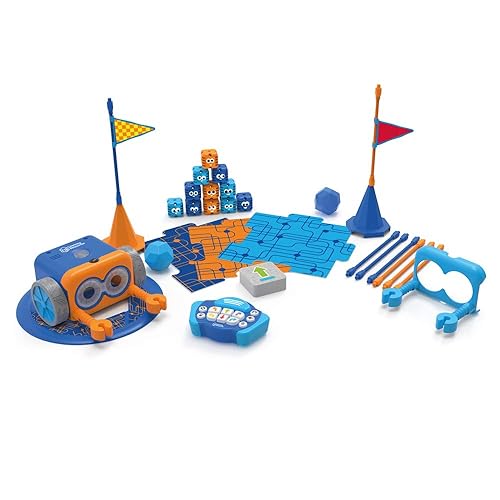
Screen-free coding for young beginners
Pros
- ✓ No screen required
- ✓ Fast feedback
- ✓ Great for beginners
Cons
- ✗ Higher price
- ✗ Can need setup help
- ✗ Small parts
Why These Picks Made the List
Learning Resources Code & Go Robot Mouse Activity Set
Learning Resources Code & Go Robot Mouse Activity Set is here for screen-free coding with maze pieces and challenge cards. The useful part is complete kit and maze pieces make sequencing visible, not just that it looks good in a gift guide.
Before buying, watch for more expensive than the mouse alone and needs setup space. That is the difference between a toy that gets used and a toy that becomes shelf clutter.
Learning Resources Coding Critters Ranger & Zip
Learning Resources Coding Critters Ranger & Zip is here for story-based screen-free coding for younger kids. The useful part is screen-free and friendly storybook format, not just that it looks good in a gift guide.
Before buying, watch for less precise than a grid robot and limited advanced depth. That is the difference between a toy that gets used and a toy that becomes shelf clutter.
Thames & Kosmos Kids First Robot Factory
Thames & Kosmos Kids First Robot Factory is here for story-led mechanical robot building for younger stem kids. The useful part is good younger robot alternative and builds several models, not just that it looks good in a gift guide.
Before buying, watch for mechanical, not programmable and parts need sorting. That is the difference between a toy that gets used and a toy that becomes shelf clutter.
Learning Resources Let's Go Code! Activity Set
Learning Resources Let's Go Code! Activity Set is here for full-body sequencing and direction practice. The useful part is no screen or device and gets kids moving, not just that it looks good in a gift guide.
Before buying, watch for not a robot and needs floor space. That is the difference between a toy that gets used and a toy that becomes shelf clutter.
Educational Insights Artie 3000 The Coding Robot
Educational Insights Artie 3000 The Coding Robot is here for drawing-based robot coding with block and text pathways. The useful part is real coding payoff and creative drawing output, not just that it looks good in a gift guide.
Before buying, watch for needs a device and older beginner fit. That is the difference between a toy that gets used and a toy that becomes shelf clutter.
Botley 2.0 by Learning Resources
Botley 2.0 by Learning Resources is here for screen-free coding for young beginners. The useful part is no screen required and fast feedback, not just that it looks good in a gift guide.
Before buying, watch for higher price and can need setup help. That is the difference between a toy that gets used and a toy that becomes shelf clutter.
Want better toy picks without the research rabbit hole?
Short, practical recommendations by age, need, and budget.
Practical Setup Tips
1) Keep only 3 to 5 toys visible
Fewer options usually means deeper play and less overwhelm.
2) Use short play blocks
Try 15 to 25 minute sessions with a clear start and finish.
3) Pair movement with focus toys
A quick movement break before table play improves transitions.
4) Rotate weekly
Rotation keeps engagement high without constant new purchases.
FAQ
Are these toys only for kids with a diagnosis?
No. These picks can help many kids who need better focus, calmer transitions, or lower stimulation play.
How many toys should we use at one time?
Start with 3 to 5 active options. Too much visual choice can reduce sustained attention.
What if my child gets bored quickly?
Use short sessions, rotate weekly, and focus on toys with immediate feedback and open-ended replay.
Related reads
If You Can Only Buy One
Learning Resources Code & Go Robot Mouse Activity Set.
It gives the best balance of calm engagement, flexibility, and long-term replay for most households.
Want better toy picks without the research rabbit hole?
Get concise recommendations by age, need, and budget.
Where to go next
By age
Best Bedtime Calm Toys for 6-Year-Olds
Keep the recommendations age-appropriate for your kid’s stage.
By need
Gifts for Neurodivergent Kids: A Parent's Guide (2026)
Jump to picks focused on ADHD, sensory, and regulation support.
By budget
Best Gifts for Kids Under $25 (2026)
Compare strong options in lower price brackets before you buy.
Related Articles
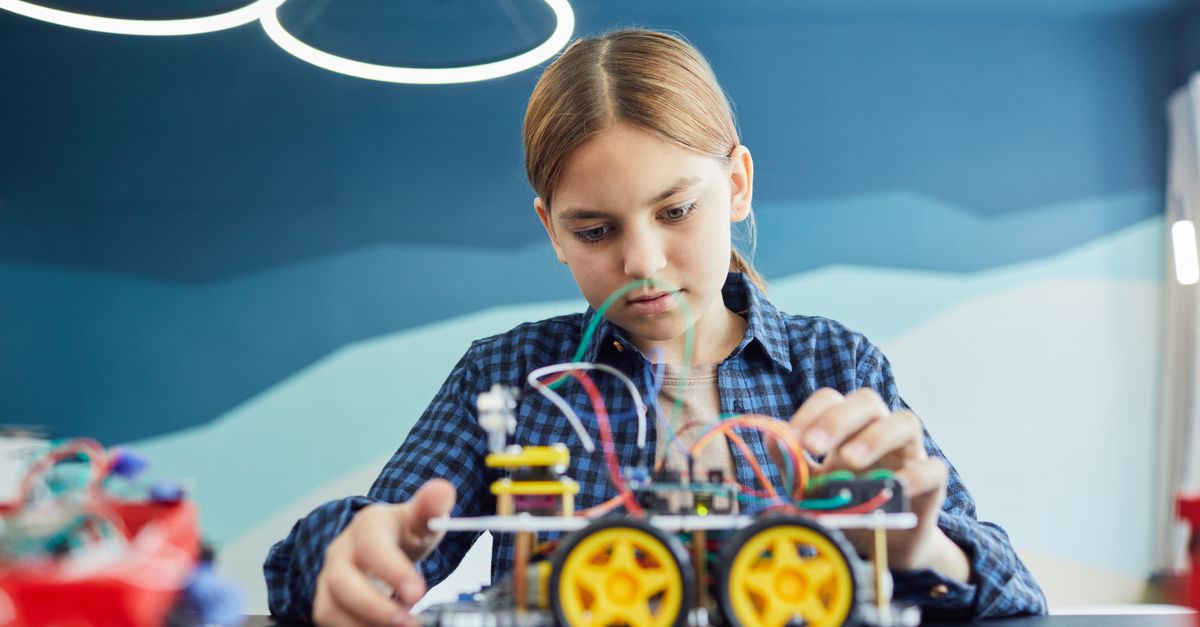
Sphero indi vs Code & Go Robot Mouse for First Robots
A beginner robot comparison for families choosing between tile-based and maze-based robot play.
Read more →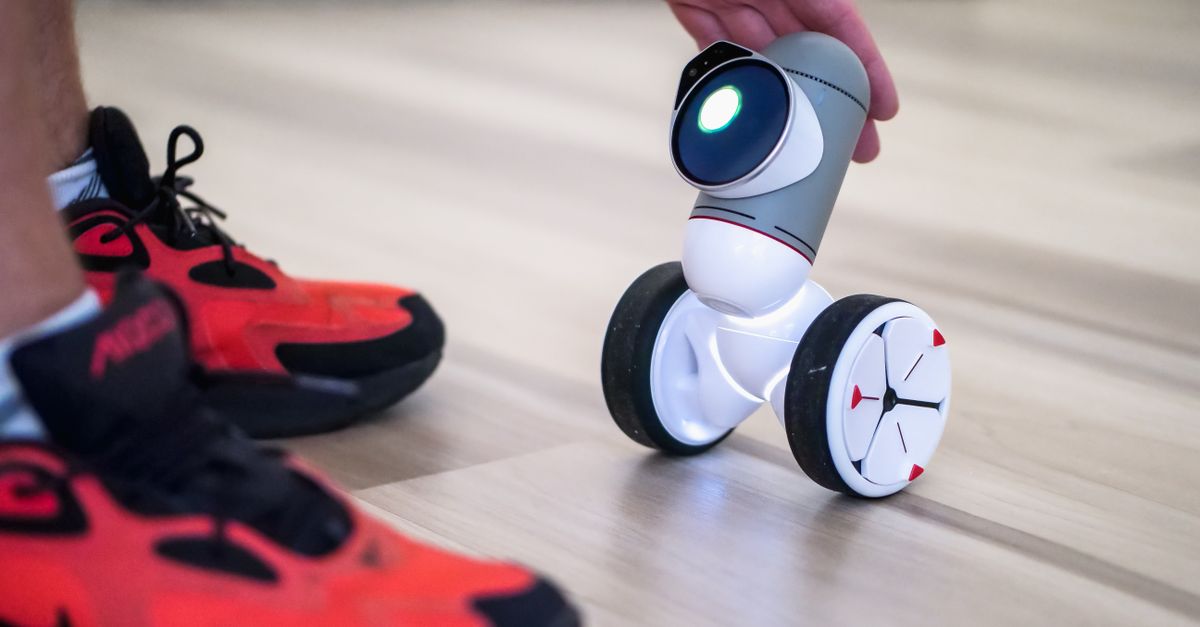
Best First Robot Toys for Curious Kids
Beginner robot toys for kids who like cause-and-effect, simple commands, and playful problem solving.
Read more →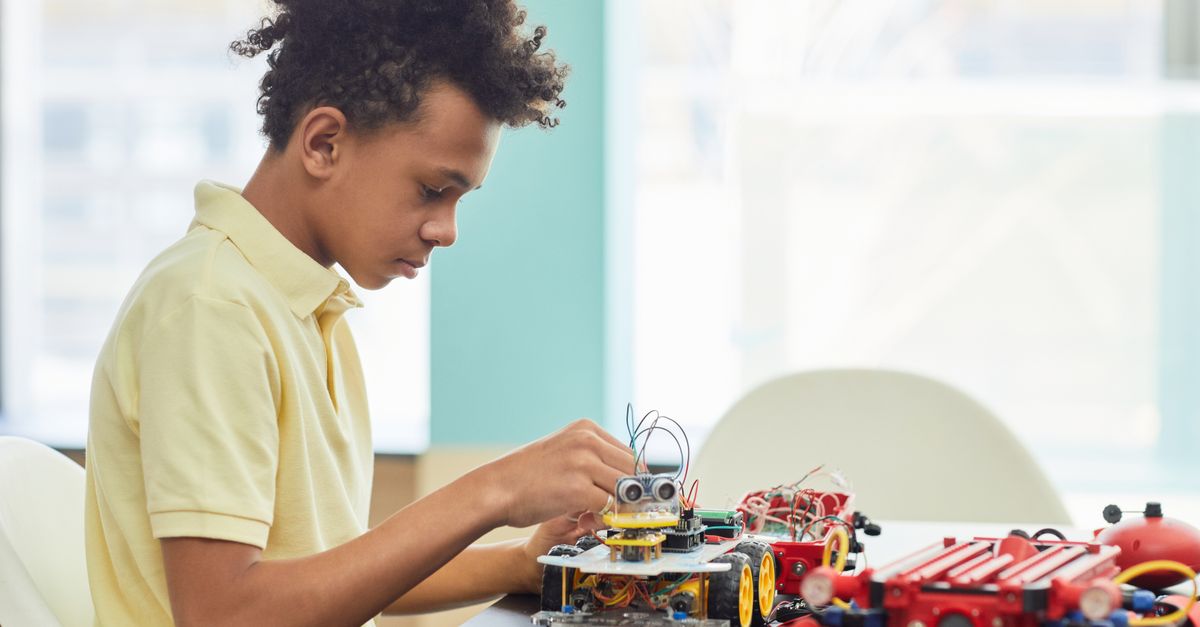
Robot Factory vs Code & Go Robot Mouse for Younger Kids
A parent-friendly comparison between story-led robot building and simple sequencing play.
Read more →