AI Toys for Kids: The Best Smart Toys in 2026
8 AI-powered toys that actually teach something. Voice assistants, adaptive learning, and interactive robots worth the money.
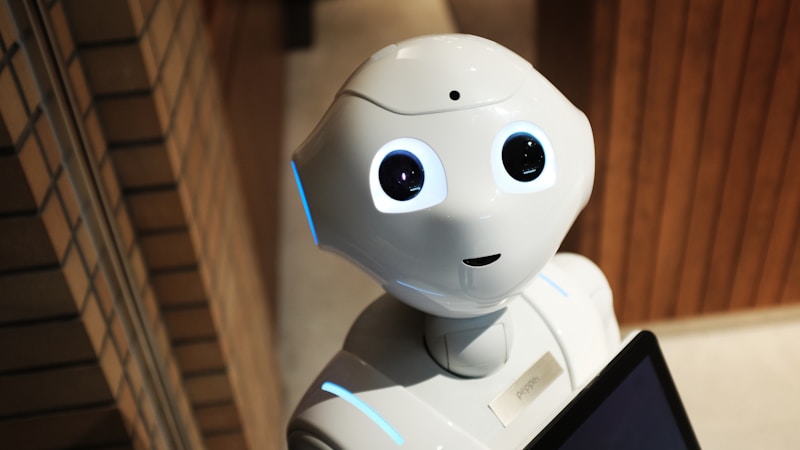
Top Picks Snapshot
Fast compare| Toy | Age | Price | Best for | Link |
|---|---|---|---|---|
| Cozmo by Digital Dream Labs | 8+ | ~$150 | Kids who want to program a robot with personality | Check Price |
| Miko 3 AI Robot | 5-12 | ~$250 | Kids who want a robot companion that grows with them | Check Price |
| Osmo Genius Starter Kit | 6-10 | ~$100 | Screen time that's actually educational | Check Price |
| Roybi Robot | 3-7 | ~$100 | Early language and STEM learning with AI tutoring | Check Price |
Affiliate links. Prices can change.
AI toys are the Wild West right now. Half of them are genuinely incredible. The other half slap "AI-powered" on the box and deliver a glorified talking teddy bear.
Cozmo by Digital Dream Labs
A real AI companion robot with personality, emotions, and block-based coding. The closest thing to a movie robot for kids.
This guide cuts through the noise. Every toy here uses AI or adaptive technology in a way that actually benefits your child's learning. No gimmicks, no data-harvesting stuffed animals, no "smart" toys that are just Bluetooth speakers in a plastic shell.
What Makes an AI Toy Worth It
- Adaptive learning. Does it adjust to your child's level, or does it treat every kid the same?
- Privacy. What data does it collect? Where does it go? Can you delete it?
- Durability of the AI. Will the servers still work in two years, or will the company fold and leave you with a paperweight?
- Does the AI actually matter? If you turned off the AI, would the toy still work? If yes, the AI is a gimmick.
Our Top Picks
Miko 3 AI Robot
Best for: Kids who want a robot companion that grows with them
Pros
- ✓ Conversational AI that improves over time
- ✓ Educational content, games, and stories
- ✓ Emotional recognition (responds to mood)
Cons
- ✗ Requires subscription for full features
- ✗ Privacy concerns (camera and microphone)
- ✗ Expensive upfront + ongoing
The most advanced consumer AI toy for kids. Miko 3 holds real conversations, adapts to your child's interests, tells stories, teaches coding basics, and recognizes emotions through facial expressions. It genuinely gets smarter and more personalised over time. The catch: it requires a subscription for the good stuff, and the camera/microphone raise valid privacy questions. Worth it if you're comfortable with the trade-off.

Osmo Genius Starter Kit
Best for: Screen time that's actually educational
Pros
- ✓ Physical pieces interact with screen via AI vision
- ✓ Adapts difficulty to child's level
- ✓ Multiple game modules (maths, spelling, art, coding)
Cons
- ✗ Requires iPad or Fire tablet
- ✗ Reflector piece gets lost easily
- ✗ Additional game packs cost extra
Osmo uses computer vision to watch what your child does with physical pieces on the table, then responds on screen. It's the best bridge between physical and digital play. The AI adapts difficulty in real time. If your kid is breezing through maths problems, they get harder. If they're struggling, they get easier. No frustration, no boredom. Requires a tablet, but the play itself is hands-on.
Cozmo by Digital Dream Labs
Best for: Kids who want to program a robot with personality
Pros
- ✓ Genuine AI personality (gets happy, frustrated, curious)
- ✓ Block coding via companion app
- ✓ Facial recognition (recognizes your child)
Cons
- ✗ Battery life is short (1-2 hours)
- ✗ App-dependent
- ✗ Company has changed hands (support uncertain)
Cozmo has more personality than any robot on the market. It gets frustrated when it loses games. It celebrates when it wins. It recognizes faces and greets your child by name. The coding environment lets kids program behaviours and reactions. It's the closest thing to a movie robot come to life. The concern: Digital Dream Labs has had ownership changes, so long-term support is uncertain.
Roybi Robot
Best for: Early language and STEM learning with AI tutoring
Pros
- ✓ AI-powered language tutor (70+ languages)
- ✓ Adapts to child's learning pace
- ✓ No screen required
Cons
- ✗ Voice recognition can be finicky with small kids
- ✗ Content library needs expansion
- ✗ Subscription for premium content
An AI tutor disguised as a friendly robot. Roybi teaches languages, maths, and STEM concepts through conversation and interactive lessons. It adapts to your child's pace, repeating concepts they struggle with and advancing when they're ready. The 70+ language options are impressive. Best for preschool and early elementary kids who benefit from repetitive, patient instruction.
Luka AI Reading Companion
Best for: Reluctant readers who need a buddy
Pros
- ✓ Reads physical picture books aloud (AI vision)
- ✓ Recognizes thousands of books
- ✓ Encourages independent reading
Cons
- ✗ Doesn't recognize every book
- ✗ Voice is robotic
- ✗ Limited to picture books
Point Luka at a picture book and it reads it aloud. The AI recognizes thousands of titles through the camera. For kids who want to "read" but can't yet, or reluctant readers who want companionship, it fills a real gap. It's not a replacement for reading with your child, but it's a solid supplement for times when you can't sit down together.
Plugo Count by PlayShifu
Best for: Making maths physical and fun
Pros
- ✓ Physical pieces + AR = engaging maths games
- ✓ Adapts to skill level
- ✓ Multiple game modes
Cons
- ✗ Requires phone or tablet
- ✗ Gamepad takes up table space
- ✗ Younger kids need help with setup
Physical number tiles that interact with a screen through augmented reality. Kids solve maths problems by placing real tiles on a gamepad, and the screen responds with animations and challenges. The AR layer makes maths feel like a game. The adaptive AI adjusts difficulty automatically. It's the best maths-specific AI toy for this age range.
Cognitoyz Dino
Best for: Curious question-askers who want answers
Pros
- ✓ Answers questions conversationally
- ✓ Tells jokes, stories, and fun facts
- ✓ Voice-only (no screen)
Cons
- ✗ AI responses can be hit-or-miss
- ✗ Needs WiFi for all features
- ✗ Some answers aren't age-appropriate
A dinosaur that answers questions. "Why is the sky blue?" "How big is the sun?" "Can fish sleep?" Your child asks, Dino answers conversationally. For curious kids who exhaust their parents with questions, this toy provides patient, endlessly available responses. The answers are usually good but occasionally miss, so light supervision is smart.
Amazon Echo Dot Kids Edition
Best for: Families already in the Alexa ecosystem
Pros
- ✓ Thousands of kid-friendly skills and games
- ✓ Parental controls built in
- ✓ Audiobooks, music, and educational content
Cons
- ✗ It's a smart speaker, not a toy
- ✗ Privacy concerns with always-on microphone
- ✗ Can become a crutch for answers
Not technically a toy, but many families use it as one. The Kids Edition has parental controls, educational skills, audiobooks, and interactive games. "Alexa, tell me a story." "Alexa, quiz me on multiplication." "Alexa, what sound does an elephant make?" The privacy trade-off is real, but if you're already in the Alexa ecosystem, the Kids Edition is well-filtered and genuinely useful.
Buying Guide
The privacy question
Every AI toy with a microphone or camera raises privacy questions. Before buying, check:
- What data is collected?
- Where is it stored?
- Can you delete it?
- Does it require an account with your child's information?
If the company can't answer these clearly on their website, that's a red flag.
Subscription vs. one-time purchase
Several toys here (Miko, Roybi, Osmo expansions) use subscription models. Factor the yearly cost into the purchase price. A $100 toy with a $10/month subscription is really a $220 toy in year one.
Will the servers last?
AI toys that depend on cloud servers stop working when the company shuts down. Before buying, check: has the company been around for at least 3 years? Is the toy functional without WiFi? Can it do anything offline?
Screen-required vs. screen-free
No screen needed: Miko, Roybi, Cozmo, Luka, Cognitoyz Dino, Echo Dot
Screen required: Osmo, Plugo Count
Related guides: our robot toys roundup | educational tech gadgets
FAQ
Are AI toys safe for young children?
Physically, yes. The bigger question is data privacy. Choose toys from companies with clear privacy policies, parental controls, and data deletion options. Avoid toys that record and upload voice data without your explicit consent.
Will AI toys make my child dependent on technology?
The best AI toys teach skills that transfer offline: maths, reading, coding logic, problem-solving. The worst ones are just entertainment dispensers. Judge the toy by what your child can do after playing with it, not during.
What's the difference between "smart" and "AI"?
A "smart" toy responds to programmed triggers (press a button, get a response). An "AI" toy learns and adapts over time (asks a question, adjusts based on the answer). True AI toys should get more personalised the more your child uses them.
Are these toys worth the premium price?
If the AI meaningfully enhances learning, yes. If removing the AI feature wouldn't change the experience, no. Osmo and Miko pass this test. Some others on the market don't.
If You Can Only Buy One
Osmo Genius Starter Kit. It combines physical play with adaptive AI learning across multiple subjects. No subscription required for the base kit. It works for ages 6-10 across maths, spelling, art, and coding. The AI adapts to your child's level automatically. And it makes screen time productive, which is the hardest parenting challenge of the decade.
Where to go next
By age
Best Toys for 4-Year-Olds (Learning Through Play) (2026)
Keep the recommendations age-appropriate for your kid’s stage.
By need
Gifts for Neurodivergent Kids: A Parent's Guide (2026)
Jump to picks focused on ADHD, sensory, and regulation support.
By budget
Best Gifts for Kids Under $25 (2026)
Compare strong options in lower price brackets before you buy.
Affiliate Disclosure: Smart Toy Guide is a participant in the Amazon Services LLC Associates Program. When you buy through our links, we may earn a small commission at no extra cost to you. This helps us keep the site running and continue creating free content. Read our full disclosure.
Related Articles
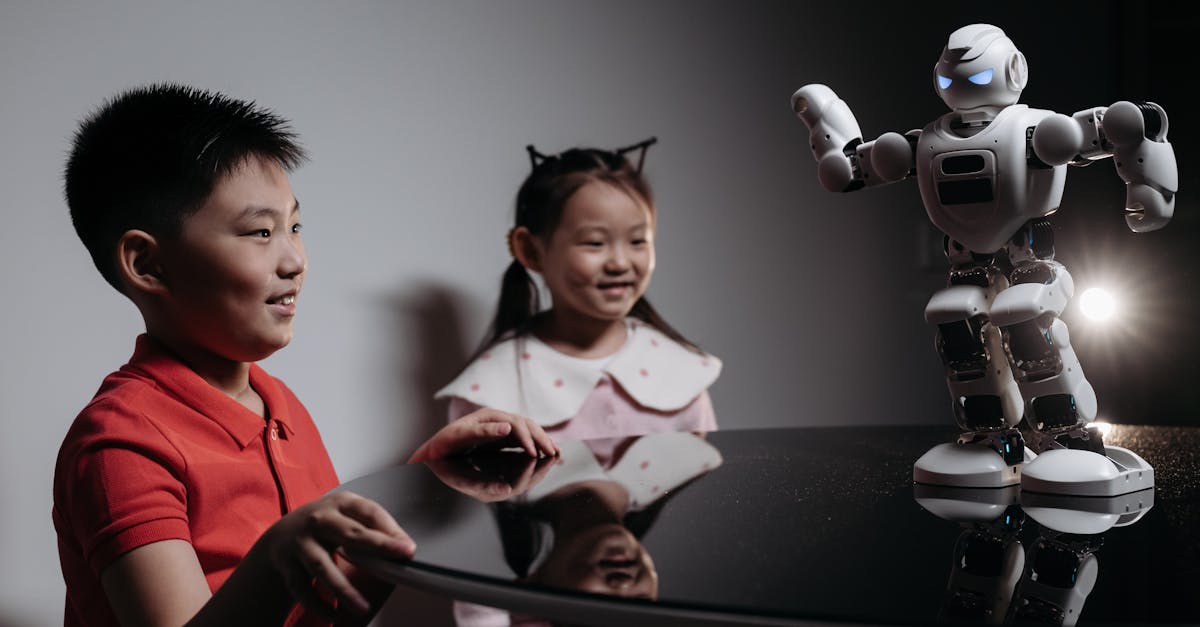
Best Robot and AI Toys for 7-Year-Olds
Robot and AI-style toy picks for 7-year-olds who love interactive tech and problem-solving.
Read more →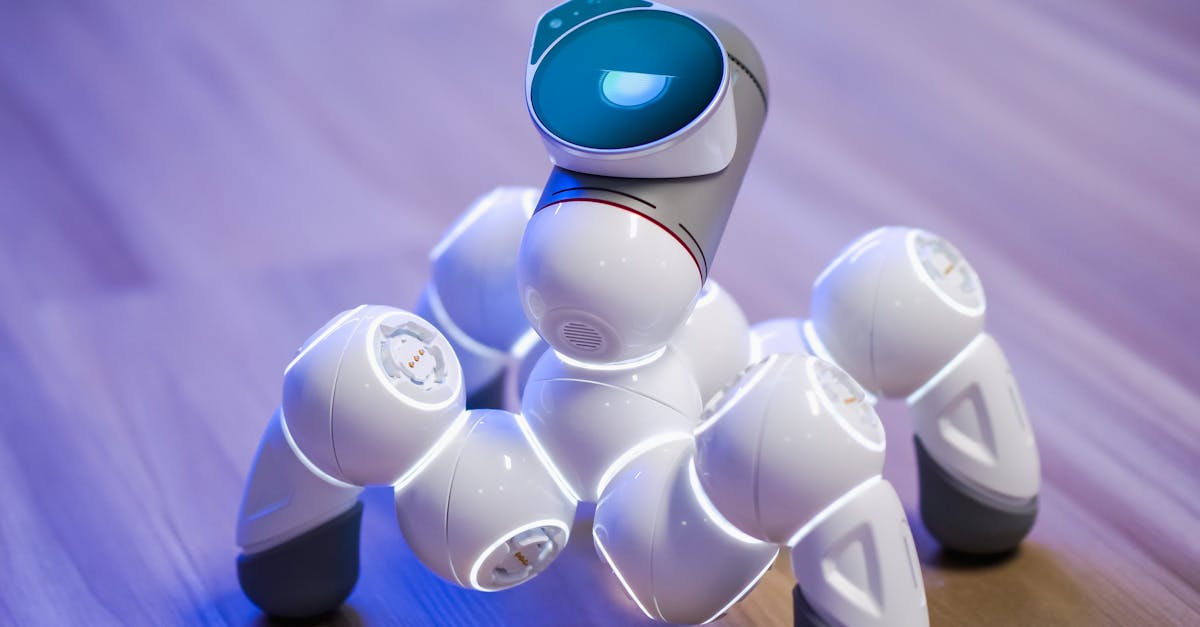
Best Beginner Smart Toys for 7-Year-Olds
Beginner-friendly smart toys for 7-year-olds with clear learning curves and replay value.
Read more →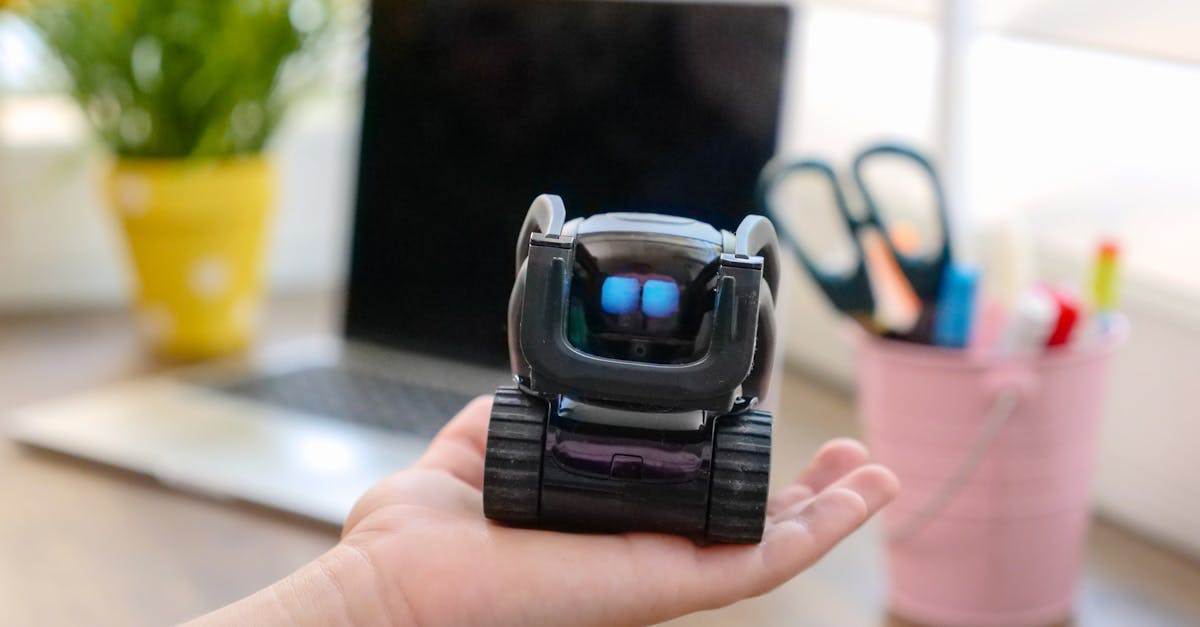
Best Robot and AI Toys for 6-Year-Olds
Robot and AI-style toy picks for 6-year-olds who love interactive tech and problem-solving.
Read more →