Educational Gadgets for Kids That Give Them a Real Project
Three current educational gadgets for kids, compared by age, device needs, setup burden, and what the child actually makes or programs.

Snapshot
| Toy | Age | Price | Best for | Link |
|---|---|---|---|---|
| #1 Educational Insights Artie 3000 The Coding Robot | 7+ | Check current price | Drawing-based coding with block and text-language pathways | Check Price |
| #2 Learning Resources Botley 2.0 The Coding Robot | 5-7 | Check current price | Screen-free first steps with directional coding | Check Price |
| #3 Makeblock Codey Rocky | 6+ | Check current price | A longer robotics pathway with block coding, sensors, and Python | Check Price |
Affiliate links. Prices can change.
An educational gadget should give a child something to make, program, test, or revise. A screen, lights, or a robot voice do not make a product educational on their own. The more useful question is: what does the child actually do after the box is open, and how much setup must an adult handle before that can happen?
This is a short current list rather than an eight-gadget dump. Each product below was selected as an exact Amazon.ca listing and has a different pathway: screen-free early coding, drawing-based coding with a device, and a deeper robot for families ready to manage software and charging. None is a guaranteed shortcut to a skill. The fit depends on the child’s age, interest, and the family’s tolerance for setup.
Educational Insights Artie 3000 The Coding Robot
The most concrete middle-ground choice here for a child who likes drawing and is ready to use a compatible computer or tablet. Code becomes a visible line or shape on paper, but the first session needs a flat surface, paper, markers, batteries, and device setup.
Quick Match
- Ages 5-7 and you want screen-free directional coding: Botley 2.0
- Ages 7+ and drawing is the motivation: Artie 3000
- Ages 6+ and the family wants a longer robotics and Python path: Codey Rocky
- You want something that works instantly with no batteries, device, charging, or setup: none of these is the right purchase
Our Top 3 Picks
Drawing-based coding with block and text-language pathways
Pros
- ✓ Code produces a visible drawing
- ✓ Multiple block and text coding paths
- ✓ Art gives programming a concrete payoff
Cons
- ✗ Requires a compatible computer or tablet
- ✗ Needs paper, markers, batteries, and a flat surface
- ✗ First setup is heavier than a screen-free robot
Artie turns a program into a drawing on paper. That visible result can make code feel less abstract for a child who likes art, patterns, or seeing a mistake show up in front of them. The product supports several coding pathways, so it can move beyond simple visual controls when the child is ready.
The first session needs planning. Prepare the compatible device, Artie’s local connection, paper, fitted marker, batteries, and a hard flat drawing surface before inviting the child over. Artie is not a quick car-ride or couch toy. Choose it when a more deliberate project is welcome and the family can tolerate a little technical setup.
Screen-free first steps with directional coding
Pros
- ✓ Core play does not require a phone, tablet, app, or internet
- ✓ Immediate command-and-run feedback
- ✓ A clearer first step than a complex programmable robot
Cons
- ✗ Best fit is younger than the other two picks
- ✗ Needs batteries and a place to build routes
- ✗ Its coding ceiling is lower than a device-based robot
Botley lets a child enter directional commands, send the robot, and see whether the route worked. That plan-run-revise loop is a useful introduction to sequencing without putting a screen at the centre of play. It is the right choice for a younger child who wants fast physical feedback, not for an older child already asking for Python or advanced robotics.
Set up fresh batteries and a clear floor or tabletop route before play. Start with a very short path, then add one change at a time. Keep the pieces in one labelled bin after play. The point is not to complete every feature on day one. It is to let the child see that a changed command changes what the robot does.
Makeblock Codey Rocky
A longer robotics pathway with block coding, sensors, and Python
Pros
- ✓ Block coding and Python pathways
- ✓ Programmable movement, lights, sound, and sensors
- ✓ More room to grow than directional robots
Cons
- ✗ Requires a device for real coding
- ✗ Charging and software setup come first
- ✗ A younger beginner may need technical help
Codey Rocky is the deeper choice. It combines a programmable controller with a moving base and offers block coding, sensors, lights, sound, and a path into Python. That gives it more runway than a simple direction robot, but it also makes it less spontaneous.
Charge it, connect the device, check the software, and handle any update before the child’s first session. Begin with one small response, such as changing a light or moving through a simple path, rather than presenting every feature at once. Choose Codey Rocky when the family wants an ongoing project and an adult can help with the technical start. Skip it when the goal is a toy that works immediately out of the box.
What to Compare Before Buying
What does the child actually do?
Botley asks for directional sequences and physical routes. Artie asks for code that becomes a drawing. Codey Rocky asks for programs that control movement, lights, sound, and sensors. Pick the action that sounds appealing to the child, not the broadest “STEM” label.
How much setup can the household sustain?
Botley needs batteries and floor or table space. Artie needs a compatible device, local connection, paper, markers, batteries, and a flat drawing surface. Codey Rocky needs charging, a device, and software setup. A strong product with a setup routine the family will not repeat is still a poor purchase.
What is the first useful win?
A good first session is small: one Botley route, one Artie shape, or one Codey Rocky response. Start with something the child can change and observe. Save advanced features for later rather than turning unboxing into a long tutorial.
How does it get put away?
Robots, markers, cords, and accessories lose value when they scatter. Give each product a labelled bin or pouch before the first session. Keep Artie’s paper and fitted markers together, and put Codey Rocky’s charging cable where the family can find it.
For screen-free options, see Best Screen-Free Coding Robots for Kids. For a broader hands-on learning list, see Best Smart Toys with Real Learning Value.
Want better toy picks without the research rabbit hole?
Short, practical recommendations by age, need, and budget.
FAQ
Are educational gadgets better than non-digital toys?
No. A device is useful only when its specific interaction fits the child. A logic game, building set, or art material can be a better purchase when the child does not want software, batteries, charging, or a technical setup.
Will my child need adult help?
Probably at the start. Botley needs batteries and a clear route. Artie needs device, paper, marker, and connection setup. Codey Rocky needs charging and software setup. Plan for a short adult role before expecting independent play.
Which one has no screen requirement?
Botley’s core play is screen-free. Artie and Codey Rocky require a compatible device for their coding pathways.
Which one is best for an older child?
Artie is a strong fit for an older child motivated by drawing. Codey Rocky has the longer technical runway for a family ready for device and software setup. Neither is automatically better than the other.
Are these toys guaranteed to teach coding?
No product guarantees an outcome. They can give a child a chance to practise sequencing, debugging, and cause-and-effect through specific projects. Interest, repeat use, and support matter more than the word “educational” on the package.
Want better toy picks without the research rabbit hole?
Get concise recommendations by age, need, and budget.
Where to go next
By age
Best Toys for 4-Year-Olds (Learning Through Play) (2026)
Keep the recommendations age-appropriate for your kid’s stage.
By need
Gifts for Neurodivergent Kids: A Parent's Guide (2026)
Jump to picks focused on ADHD, sensory, and regulation support.
By budget
Best Gifts for Kids Under $25 (2026)
Compare strong options in lower price brackets before you buy.
Related Articles

Sphero indi vs Code & Go Robot Mouse for First Robots
A beginner robot comparison for families choosing between tile-based and maze-based robot play.
Read more →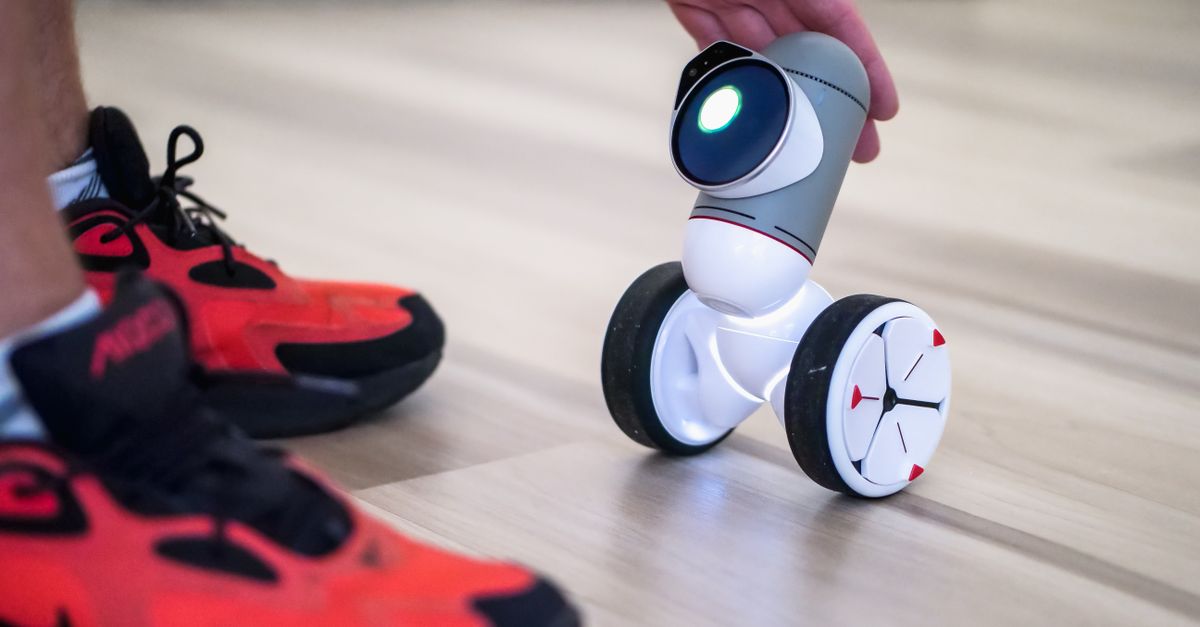
Best First Robot Toys for Curious Kids
Beginner robot toys for kids who like cause-and-effect, simple commands, and playful problem solving.
Read more →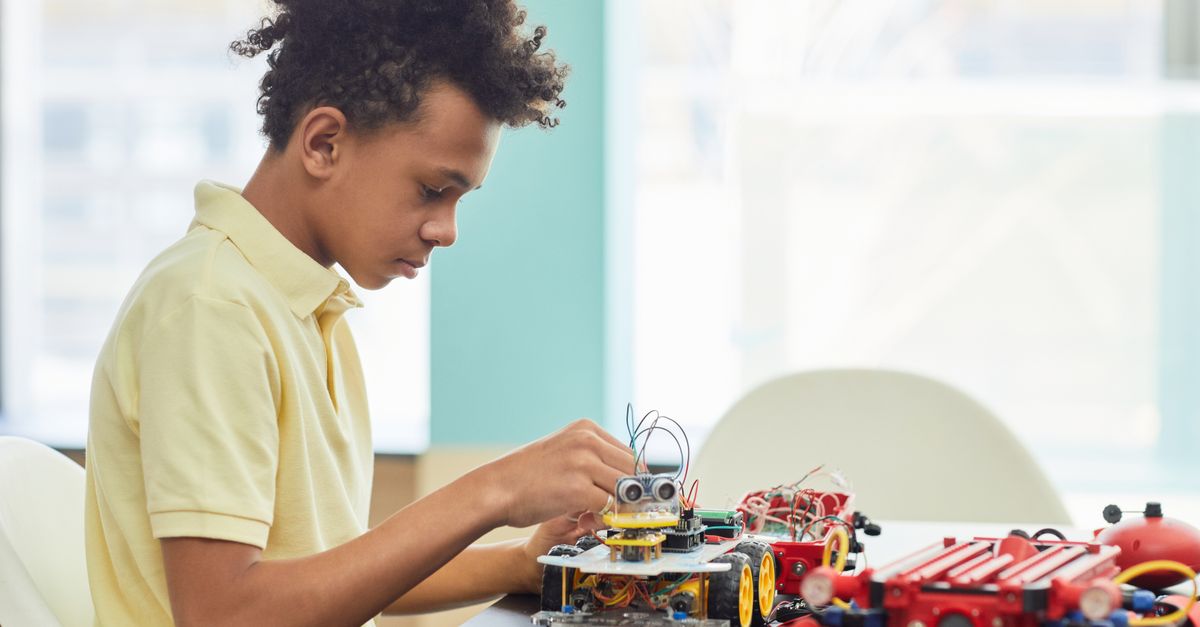
Robot Factory vs Code & Go Robot Mouse for Younger Kids
A parent-friendly comparison between story-led robot building and simple sequencing play.
Read more →