Apitor Robot Panda for First Screen-Free Coding
A practical guide to Apitor Robot Panda for families choosing a first screen-free coding robot for ages 4 to 6.

Snapshot
| Toy | Age | Price | Best for | Link |
|---|---|---|---|---|
| Apitor Robot Panda Screen-Free STEM Coding Robot for Preschoolers Ages 4-6 | 4-6 | Check current price | Physical-button sequencing without a phone or tablet | Check Price |
Affiliate links. Prices can change.
Apitor Robot Panda is a screen-free coding robot for young children. It uses physical buttons and activity cards instead of a phone or tablet, which makes the first command-and-result loop easier to see.
The useful question is not whether a preschool robot will teach a complete coding curriculum. It will not. The question is whether your child enjoys planning a few actions, running the robot, noticing what happened, and changing the sequence for another try.
Apitor Robot Panda Screen-Free STEM Coding Robot for Preschoolers Ages 4-6
A concrete first coding loop with physical buttons, a map, and activity cards, without requiring a phone or tablet.
Quick Answer
Choose Apitor Robot Panda when you want a first coding robot for a child ages 4 to 6 who prefers physical play over an app. The maker identifies physical-button programming for movements, lights, and sounds. The package includes a map, 36 coding cards, 12 activity cards, a guide card, and a user guide.
Start with one tiny goal. Ask the child to choose a destination on the map, plan two or three commands, and run the robot. Stop while the activity still feels manageable. A short successful session tells you more than a complicated course built to impress an adult.
The Pick
Physical-button sequencing without a phone or tablet
Pros
- ✓ Screen-free physical-button coding
- ✓ Map plus 36 coding cards and 12 activity cards
- ✓ Programs movements, lights, and sounds
Cons
- ✗ Young-child coding has a limited long-term ceiling
- ✗ Cards and map need organized storage
- ✗ First setup is easier with an adult nearby
What the Exact Set Includes
This is the Robot Panda package, not a generic coding robot and not an app-based platform. The maker lists the robot, a map, 36 coding cards, 12 activity cards, a guide card, and a user guide. Programming happens with physical buttons, and ordinary play does not require a phone or tablet.
That distinction matters. Some robots use a device as the main control surface. Others rely on a child building a maze from many loose pieces. Robot Panda keeps the core interaction close to the toy: choose a short plan, enter it physically, and watch the result on the included map.
Check the current package and user guide before the first session for setup, power, and care details. Do not promise independent use simply because the product is screen-free. A four-year-old may still need help understanding the map, reading the activity structure, or resetting after an incorrect route.
A Better First Session
The first session should be smaller than the biggest activity shown on the box. Put away most of the cards. Choose one start point and one nearby destination. Then use a simple routine:
1. Point to where the panda starts.
2. Point to where it should finish.
3. Choose two or three actions.
4. Enter the actions with the physical buttons.
5. Run the sequence once.
6. Change only one step if it misses.
This keeps the feedback clear. If the robot ends in the wrong place, the adult can ask, “Which step should we change?” rather than taking over and entering a longer sequence. The goal is not a perfect route. It is a short cycle the child is willing to repeat.
If the map feels too busy, cover unused areas with plain paper. If the activity cards add pressure, set them aside and create one simple destination. The included materials are options, not a requirement to use everything at once.
What Children Practise
At this age, coding play is mostly about order and prediction. A child chooses what should happen first, second, and third. Then the robot provides a visible result. When the result differs from the plan, the child can change one action and try again.
That is a useful introduction to sequencing and debugging without pretending the toy teaches full programming. Movements, lights, and sounds can make the result easy to notice, but the learning comes from comparing the plan with what happened.
Parents can keep the language concrete:
- “What should happen first?”
- “Where do you think it will stop?”
- “Which one card could we change?”
- “Do you want one more try or are you finished?”
The final question matters. Repeating a route by choice is useful play. Being pushed through a longer challenge after interest has disappeared is not.
Who It Fits Best
Robot Panda is a better fit for a child who enjoys destinations, short challenges, and visible cause and effect. It may also suit a family that wants coding play without creating a child account or handing over a phone or tablet for the core activity.
It is a weaker fit when the child mainly wants open-ended pretend play, construction, remote-controlled speed, or a deep path into text coding. The product is aimed at ages 4 to 6. An older child with coding experience may move through its challenge level quickly.
If you are comparing several formats, beginner coding toys for ages 6 to 8 covers options with a higher age ceiling. First robot toys for curious kids compares robot play beyond one product, while smart toys for kids new to coding helps separate screen-free sequencing from app-based systems.
Storage and Routine Matter
The map and card sets are part of the product's value, but they also create a storage job. Choose one pouch or shallow bin for the coding cards, activity cards, guide, and user guide. Keep the robot and materials together so the next session does not begin with a search for missing pieces.
A repeatable routine is more useful than leaving the whole set out. Bring out one activity, run a few short sequences, then return everything to the same container. This also makes it easier to notice whether the child is choosing the robot again because they enjoy it or only because it is the newest item in the room.
Do not add more coding toys immediately. Use this set long enough to learn what the child likes: planning a route, pressing the buttons, watching movement, or completing a specific card. That preference should guide the next purchase.
Main Tradeoffs
The main advantage is directness. The child can enter commands physically and see movements, lights, or sounds without using a phone or tablet. The map and cards provide a place to begin, which is useful when a blank floor offers too many possibilities.
The main limit is the same simplicity. A young-child robot cannot provide endless coding depth. Once the activity format feels predictable, a child may want construction, a more flexible maze, block coding, or another kind of robot interaction.
The set also works best when an adult can keep the first challenges short. Screen-free does not mean no setup, no explanation, or automatic independent play. Treat adult help as temporary scaffolding: clarify the goal, let the child choose the commands, and resist correcting every mistake before the robot runs.
Final Recommendation
Choose Apitor Robot Panda if your priority is a physical, screen-free first coding loop for a child ages 4 to 6. The exact set gives you a map, coding cards, activity cards, and physical-button control without requiring a phone or tablet.
Skip it if your child already wants advanced construction or app-based coding, or if route challenges rarely hold their attention. The best evidence is not the product category. It is whether the child asks to plan and run another short sequence after the first session.
Want better toy picks without the research rabbit hole?
Short, practical recommendations by age, need, and budget.
FAQ
Does Apitor Robot Panda need a phone or tablet?
The maker states that no phone or tablet is required for its physical-button coding activities. Use the current user guide for setup and operating details.
What age is it for?
The current product is presented for ages 4 to 6, with the maker using a 4+ floor. Age is only a starting point. The better fit signal is interest in short routes, destinations, and repeated command sequences.
What comes with the set?
The maker lists a map, 36 coding cards, 12 activity cards, a guide card, and a user guide with the Robot Panda. Check the current listing and package when it arrives in case contents change.
Is it a complete coding curriculum?
No. It is an introductory physical sequencing toy. Use it for short plan-run-change loops rather than treating it as a comprehensive programming course.
Should I buy another robot at the same time?
No. Start with one format. If the child repeatedly chooses the robot and wants more challenge, compare the next option based on what they enjoyed, such as maze building, construction, block coding, or open-ended robot play.
Want better toy picks without the research rabbit hole?
Get concise recommendations by age, need, and budget.
Where to go next
By age
Best Toys for 4-Year-Olds (Learning Through Play) (2026)
Keep the recommendations age-appropriate for your kid’s stage.
By need
Gifts for Neurodivergent Kids: A Parent's Guide (2026)
Jump to picks focused on ADHD, sensory, and regulation support.
By budget
Best Gifts for Kids Around $25 (2026)
Compare strong options in lower price brackets before you buy.
Related Articles
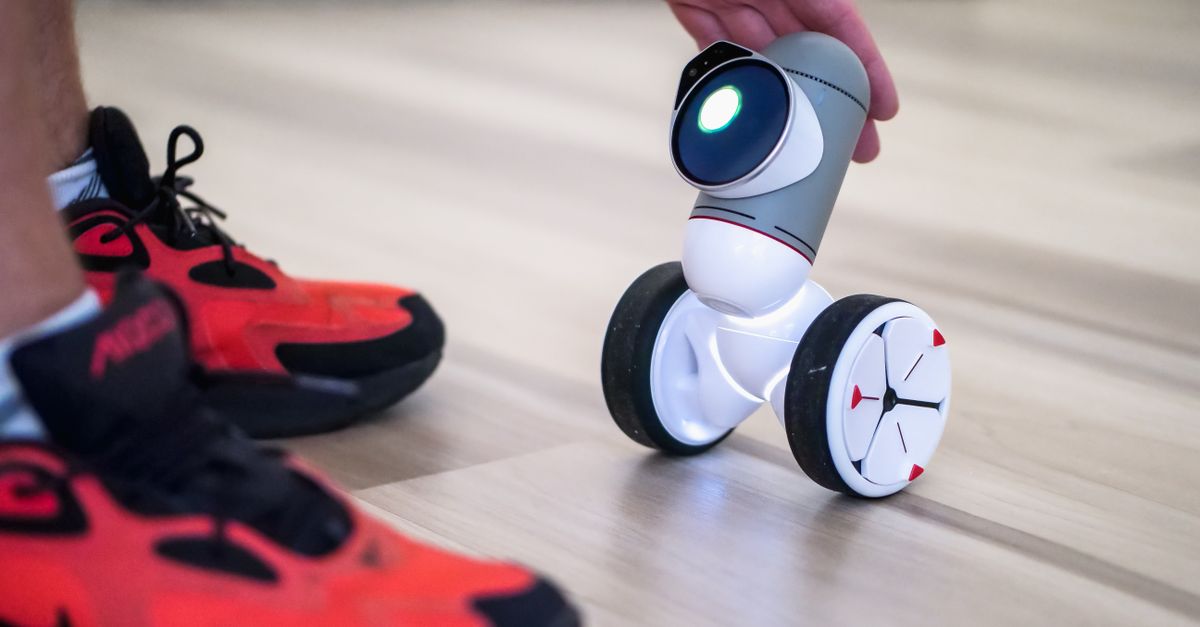
Best First Robot Toys for Curious Kids
Beginner robot toys for kids who like cause-and-effect, simple commands, and playful problem solving.
Read more →
Robot Factory vs Code & Go Robot Mouse for Younger Kids
A parent-friendly comparison between story-led robot building and simple sequencing play.
Read more →
Mech-5 vs Botley: Which Screen-Free Coding Toy Fits Better?
Compare a mechanical coding robot with a beginner-friendly programmable robot for kids.
Read more →